



Skip to content
View in the app

A better way to browse. Learn more.

Espacio Profundo

A full-screen app on your home screen with push notifications, badges and more.

To install this app on iOS and iPadOS
  1. Tap the Share icon in Safari
  2. Scroll the menu and tap Add to Home Screen.
  3. Tap Add in the top-right corner.
To install this app on Android
  1. Tap the 3-dot menu (⋮) in the top-right corner of the browser.
  2. Tap Add to Home screen or Install app.
  3. Confirm by tapping Install.

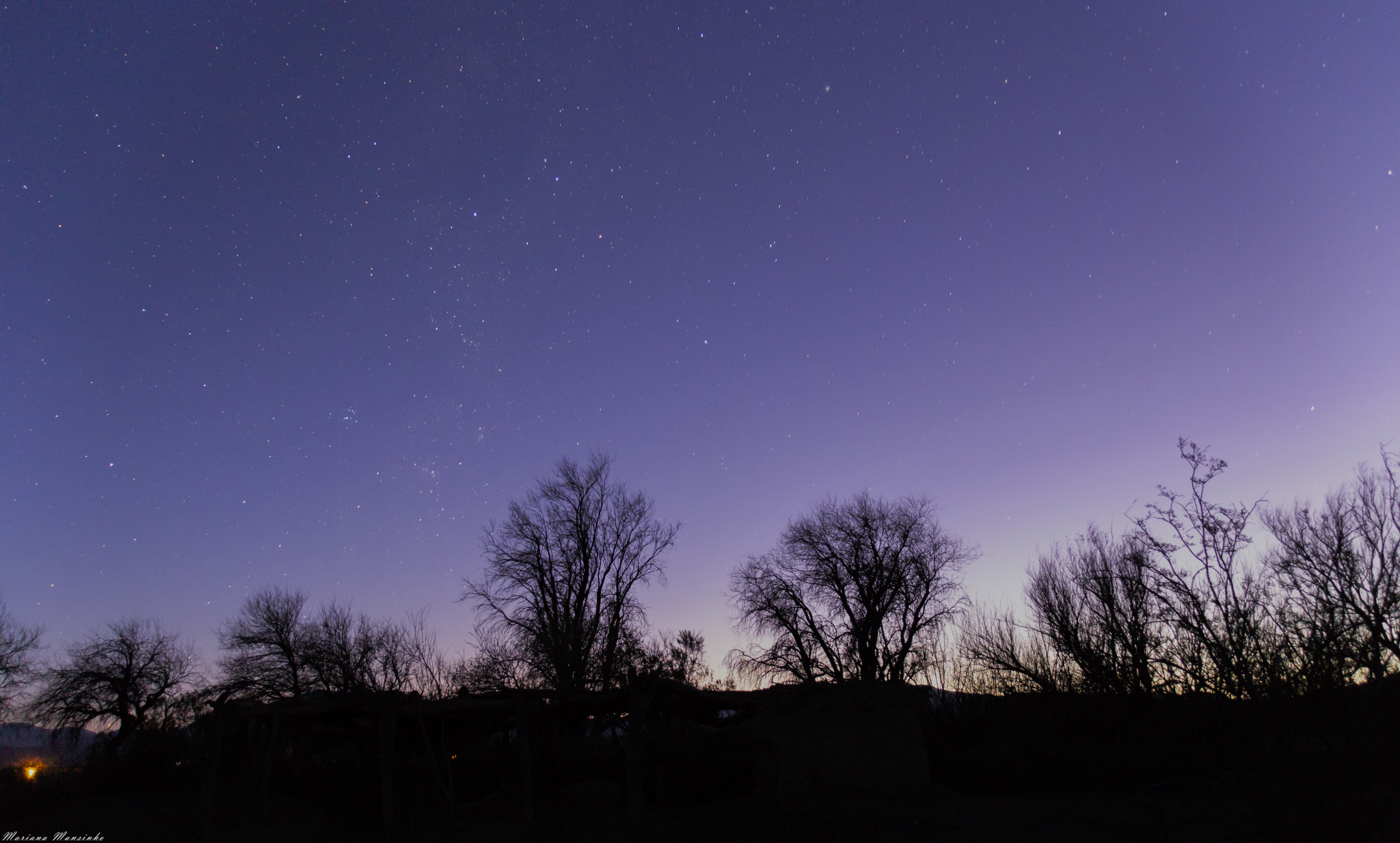
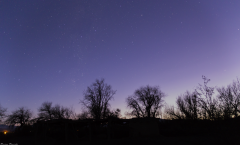
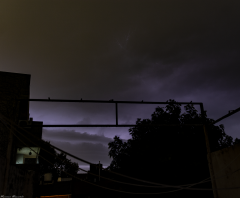
_MG_1050

Un procesado tardío de una foto que inicialmente descarté. La tomé el 16/09/17 al atardecer en Alto Jagüé, La Rioja, Argentina. Cámara Canon T3i + Lente Sigma 18/250 en 18mm. 30s. f/3.5, ISO 1600. Procesada en PS.

    • artemis reaccionó a esto
    • Me gusta 1

    Del Álbum

    Mis fotografías

    · 32 images

    Account

    Navigation

    Buscar

    Buscar

    Configure browser push notifications

    Chrome (Android)
    1. Tap the lock icon next to the address bar.
    2. Tap Permissions → Notifications.
    3. Adjust your preference.
    Chrome (Desktop)
    1. Click the padlock icon in the address bar.
    2. Select Site settings.
    3. Find Notifications and adjust your preference.