




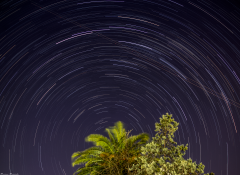




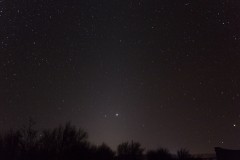
Startrail

Por LadyMarian
- 1654 veces visto
- Veri mágenes de LadyMarian's
Fecha: 15/04/18 Lugar: Valle Grande, Mendoza, Argentina Cámara: Canon T3i Lente: Sigma 18-250 en 18mm Toma/s: 213 f/4 Exp: 30s ISO: 800 Soft: Startrails + PS

A better way to browse. Learn more.
A full-screen app on your home screen with push notifications, badges and more.

Por LadyMarian
Fecha: 15/04/18 Lugar: Valle Grande, Mendoza, Argentina Cámara: Canon T3i Lente: Sigma 18-250 en 18mm Toma/s: 213 f/4 Exp: 30s ISO: 800 Soft: Startrails + PS
Comentarios recomendados