





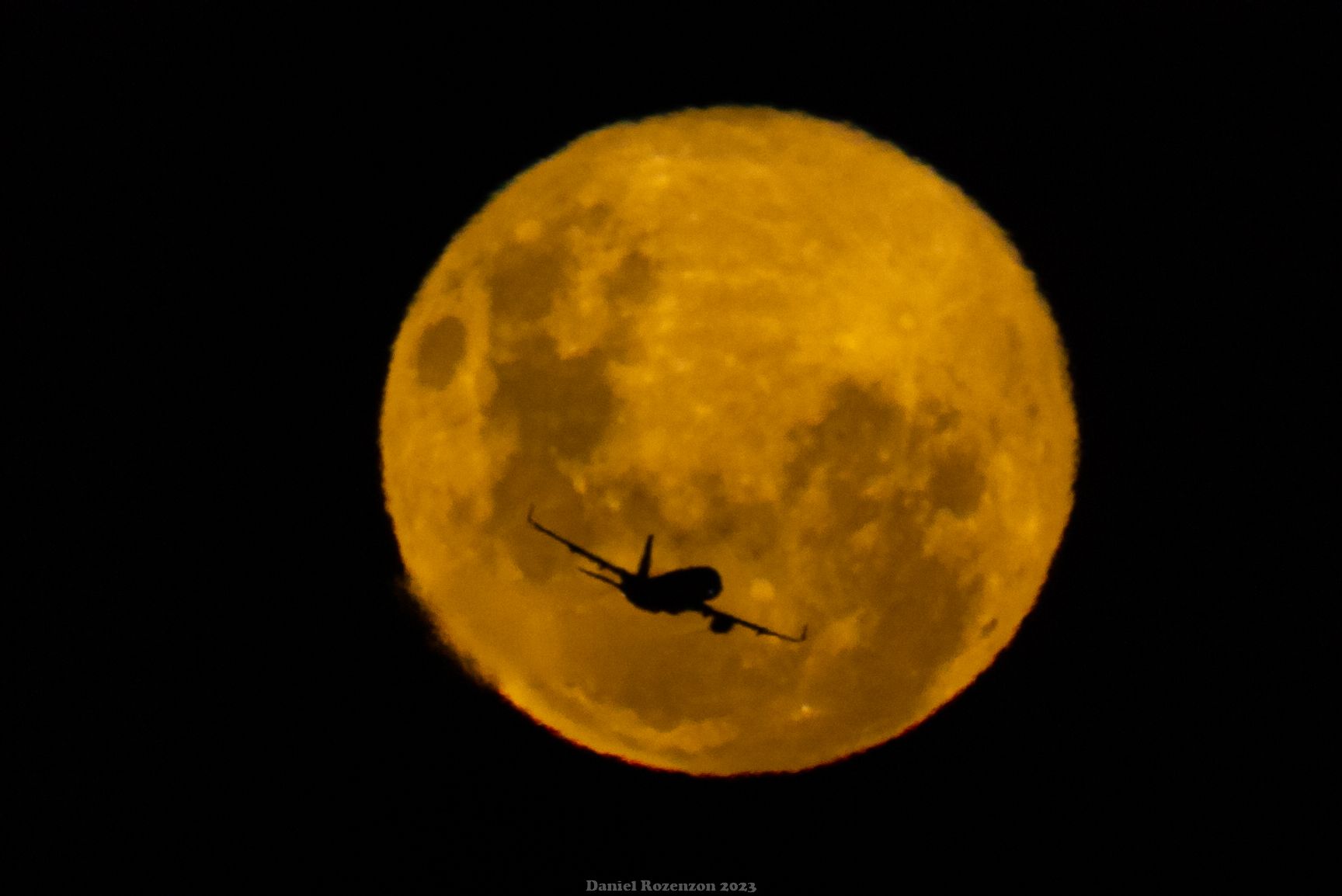
Mis fotos
Album creado por
danr19 ·
Actualizado
Aquí pongo un poco de lo que tengo

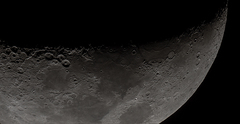
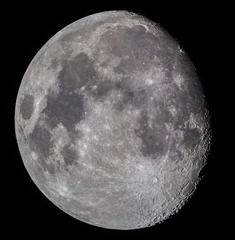
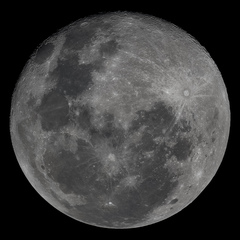
Luna del 16-07-2016
Video RAW Magic Lantern 2496 x 1080 apilado 26 de 130 cuadros.
SW Dob 8" f/6 - Canon 60D - ISO 400 - 1/1000 - Foco primario
Procesado: PIPP - AutoStakkert - Adobe Lightroom
- 63 images
- 109 comentarios de la imagen
- 3770 veces visto
-
- Alejandro, Diego_Mnes, juanca y 4 otros y 4 más... reaccionaron a esto
-
 7
7
63 images
-
Por danr19
-
Por danr19 · 2 comentarios
-
Por danr19 · 24 comentarios
-
Por danr19 · 3 comentarios
-
Por danr19 · 2 comentarios
-
Por danr19 · 1 comentario
-
Por danr19 · 4 comentarios
-
Por danr19 · 11 comentarios
-
Por danr19 · 7 comentarios
-
Por danr19
-
Por danr19 · 4 comentarios
-
Por danr19 · 1 comentario
-
Por danr19
0 Album Comments
No hay comentarios para mostrar