



Skip to content
View in the app

A better way to browse. Learn more.

Espacio Profundo

A full-screen app on your home screen with push notifications, badges and more.

To install this app on iOS and iPadOS
  1. Tap the Share icon in Safari
  2. Scroll the menu and tap Add to Home Screen.
  3. Tap Add in the top-right corner.
To install this app on Android
  1. Tap the 3-dot menu (⋮) in the top-right corner of the browser.
  2. Tap Add to Home screen or Install app.
  3. Confirm by tapping Install.

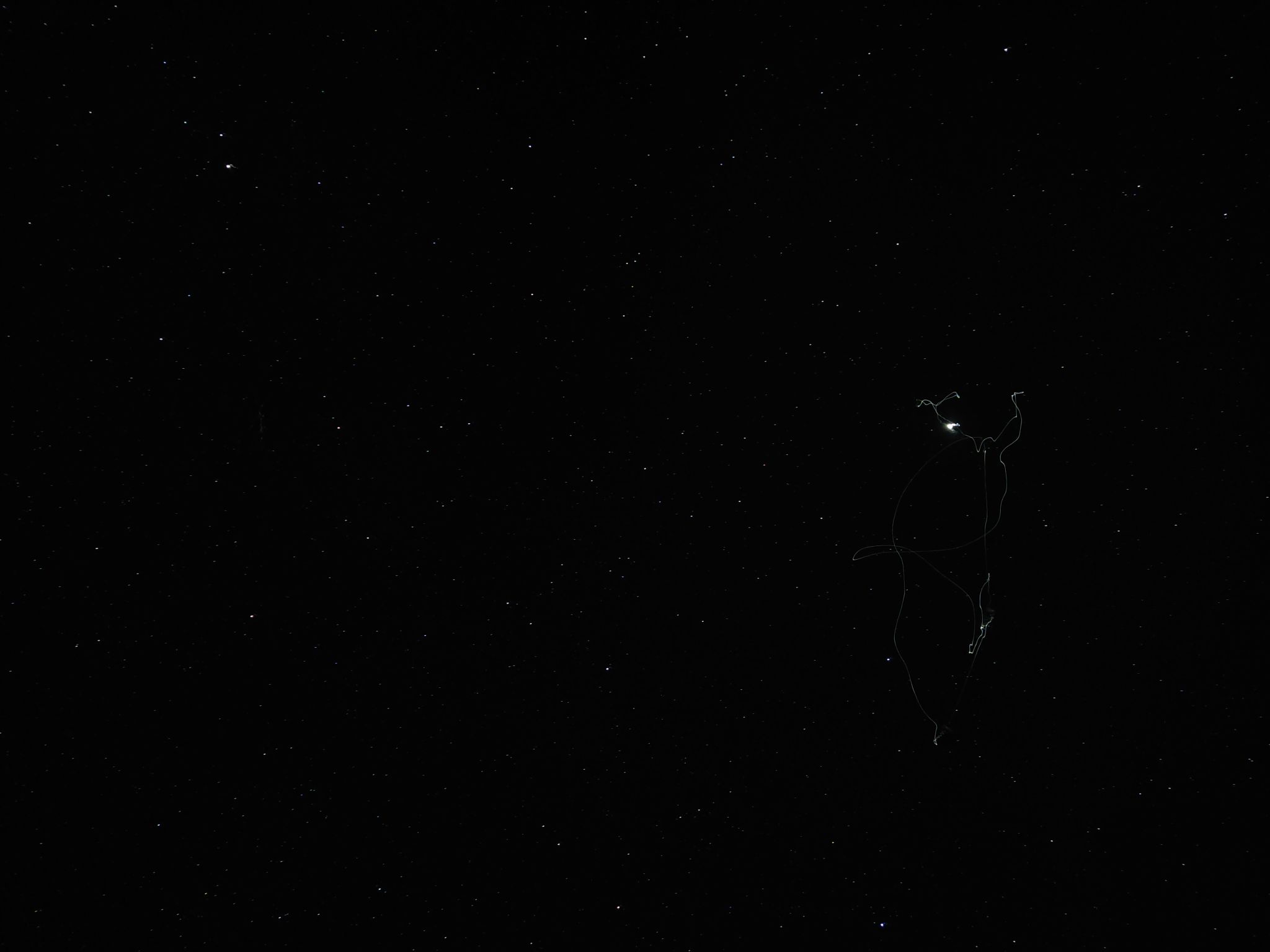
IMG_20220704_042326

Fue una foto sacada con un celular poco phone x3 Pro Me gustaria saber la opinion de personas con mas experiencia y trayectoria en la astro fotografia. Que pudo producir lo que salio en la foto, si pudo ser algun error o algo parecido. Detalles de la foto F/1.79. 29" 1/2. ISO 800

  • Del Álbum

    Noche Desiert Tatacoa- Colombia

    · 1 image

    Información de la foto IMG_20220704_042326

    • Hecha con Xiaomi M2102J20SG
    • Focal Length 4.7 mm
    • Exposure Time 29416665/1000000
    • Aperture f/1.8
    • velocida 800

    Account

    Navigation

    Buscar

    Buscar

    Configure browser push notifications

    Chrome (Android)
    1. Tap the lock icon next to the address bar.
    2. Tap Permissions → Notifications.
    3. Adjust your preference.
    Chrome (Desktop)
    1. Click the padlock icon in the address bar.
    2. Select Site settings.
    3. Find Notifications and adjust your preference.