



Skip to content
View in the app

A better way to browse. Learn more.

Espacio Profundo

A full-screen app on your home screen with push notifications, badges and more.

To install this app on iOS and iPadOS
  1. Tap the Share icon in Safari
  2. Scroll the menu and tap Add to Home Screen.
  3. Tap Add in the top-right corner.
To install this app on Android
  1. Tap the 3-dot menu (⋮) in the top-right corner of the browser.
  2. Tap Add to Home screen or Install app.
  3. Confirm by tapping Install.

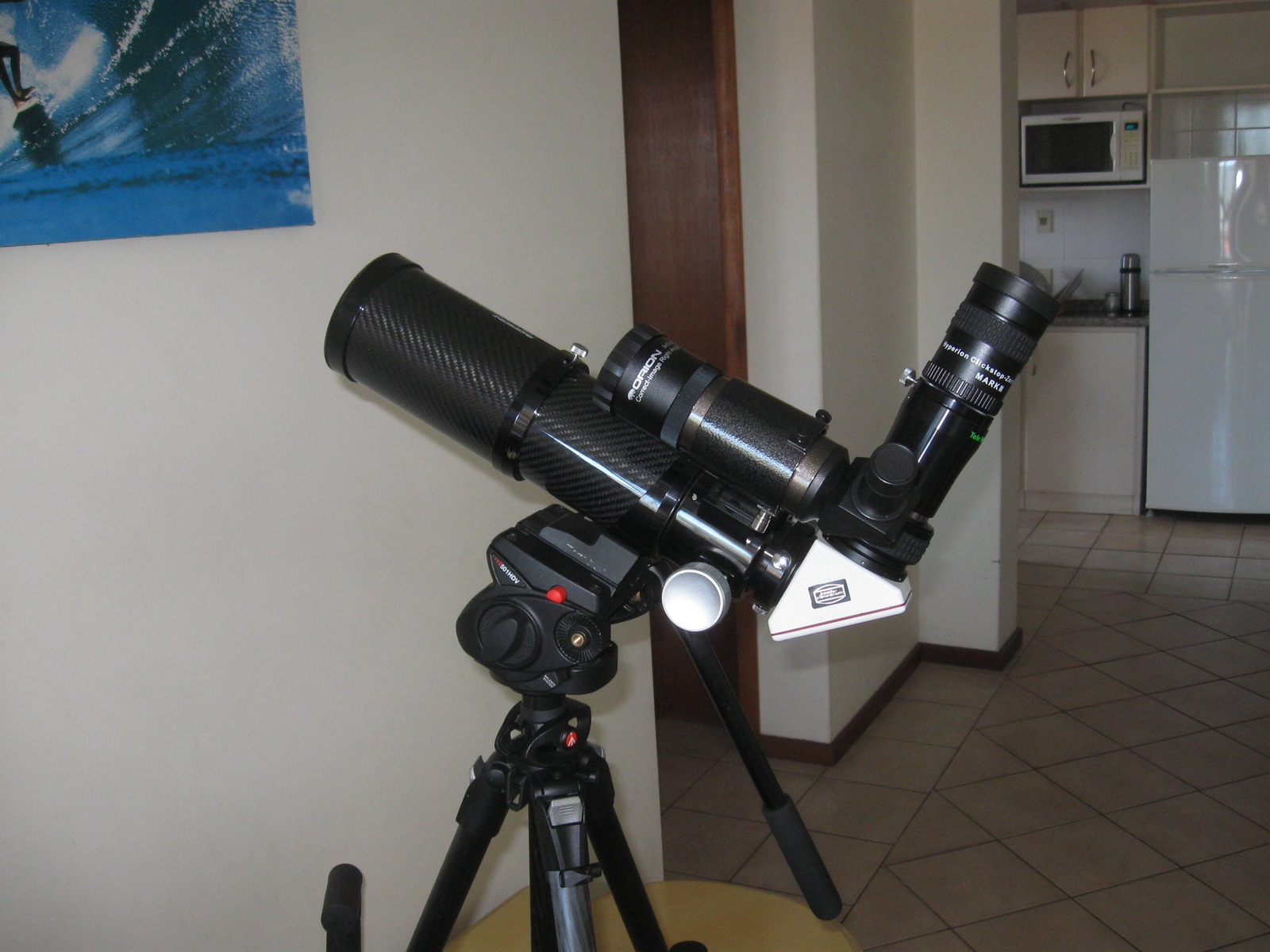
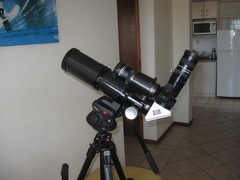
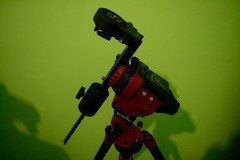
Orion 80EDC APO

Una de las configuraciones que supe usar para visual. 

Una especie de híbrido.

Telescopio Orion 80EDC APO.

Trípode y cabezal Manfrotto.

Buscador Orion 9x50.

Diagonal Clicklock Baader 2"

Zoom Baader.

Televue Powermate x2

Era práctico porque lo desarmaba, le ponía la 450D en foco primario y ya estaba listo para sacar pajaritos.

 

    • Campamento Astronómico Interestelar, ajozami y Moska reaccionaron a esto
    • Me gusta 3

    From the category:

    Mostrá tu Equipo

    · 110 images

    Información de la foto Orion 80EDC APO

    • Hecha con Canon Canon PowerShot A590 IS
    • Focal Length 5.8 mm
    • Exposure Time 1/60
    • Aperture f/2.6
    • velocida 200

    Account

    Navigation

    Buscar

    Buscar

    Configure browser push notifications

    Chrome (Android)
    1. Tap the lock icon next to the address bar.
    2. Tap Permissions → Notifications.
    3. Adjust your preference.
    Chrome (Desktop)
    1. Click the padlock icon in the address bar.
    2. Select Site settings.
    3. Find Notifications and adjust your preference.