



Skip to content
View in the app

A better way to browse. Learn more.

Espacio Profundo

A full-screen app on your home screen with push notifications, badges and more.

To install this app on iOS and iPadOS
  1. Tap the Share icon in Safari
  2. Scroll the menu and tap Add to Home Screen.
  3. Tap Add in the top-right corner.
To install this app on Android
  1. Tap the 3-dot menu (⋮) in the top-right corner of the browser.
  2. Tap Add to Home screen or Install app.
  3. Confirm by tapping Install.

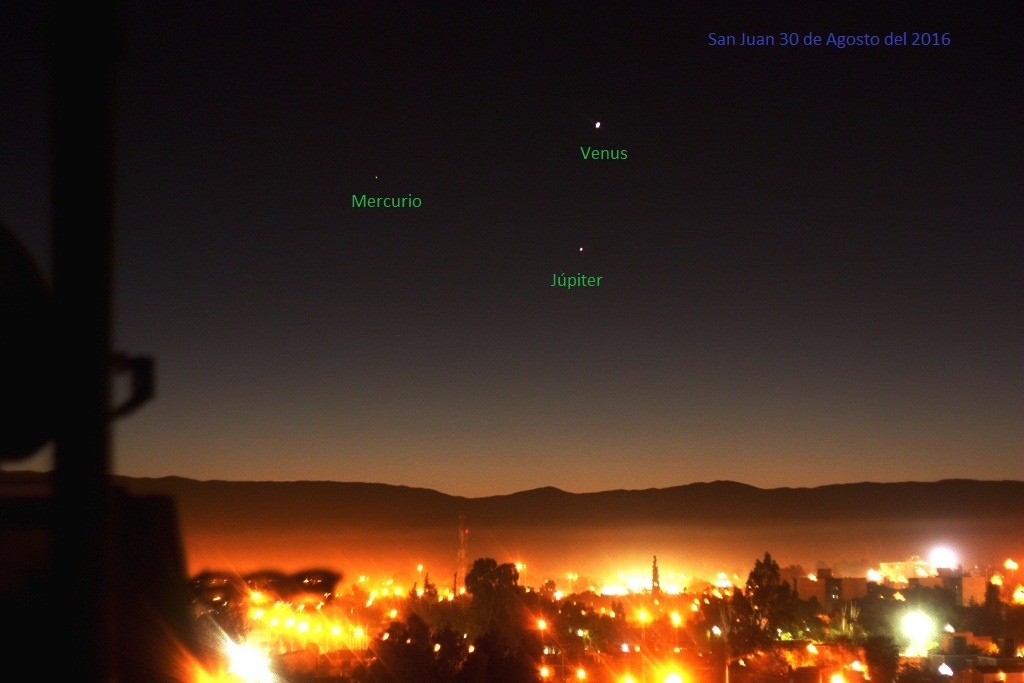
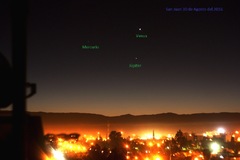
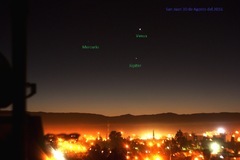
57ce0f8bb1115-Venus-Mercurio-Jpiter.7.30.8.16.Paint.jpg

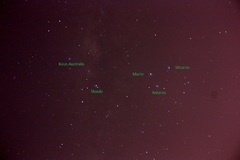
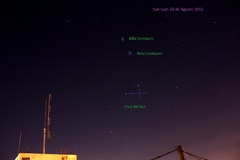
Foto sacada con Canon 450 D , desde la terraza de mi depto el 30 de agosto con un tiempo de exposición de 20 segundos e ISO 100 y 200 por la contaminación lumínica de la ciudad.
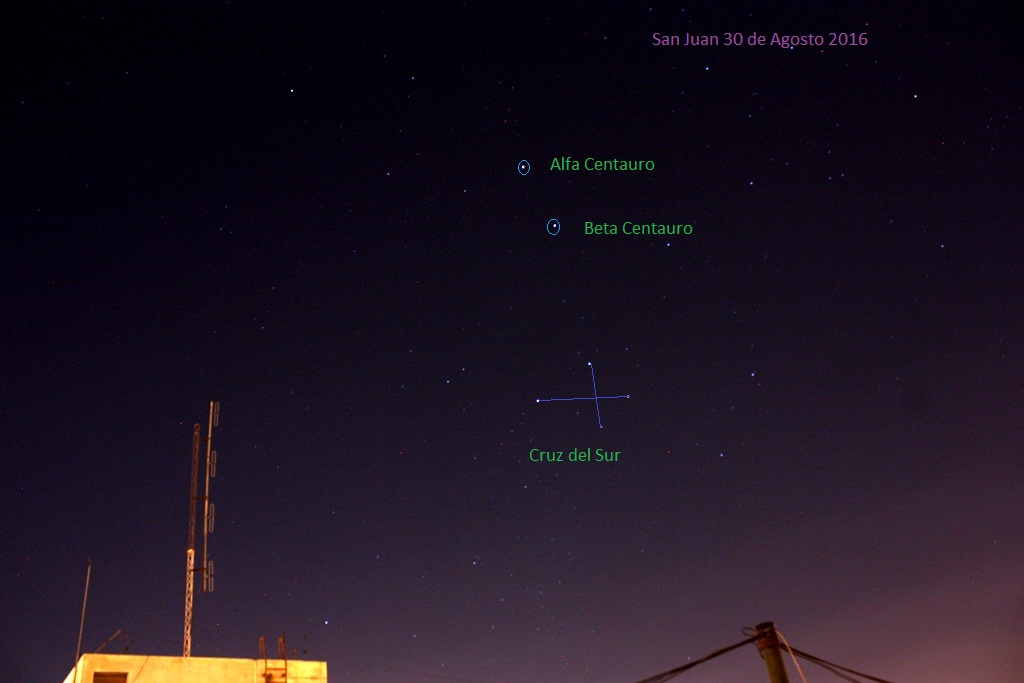
Cruz del Sur-Centauro.1.30.8.16.Paint.jpg

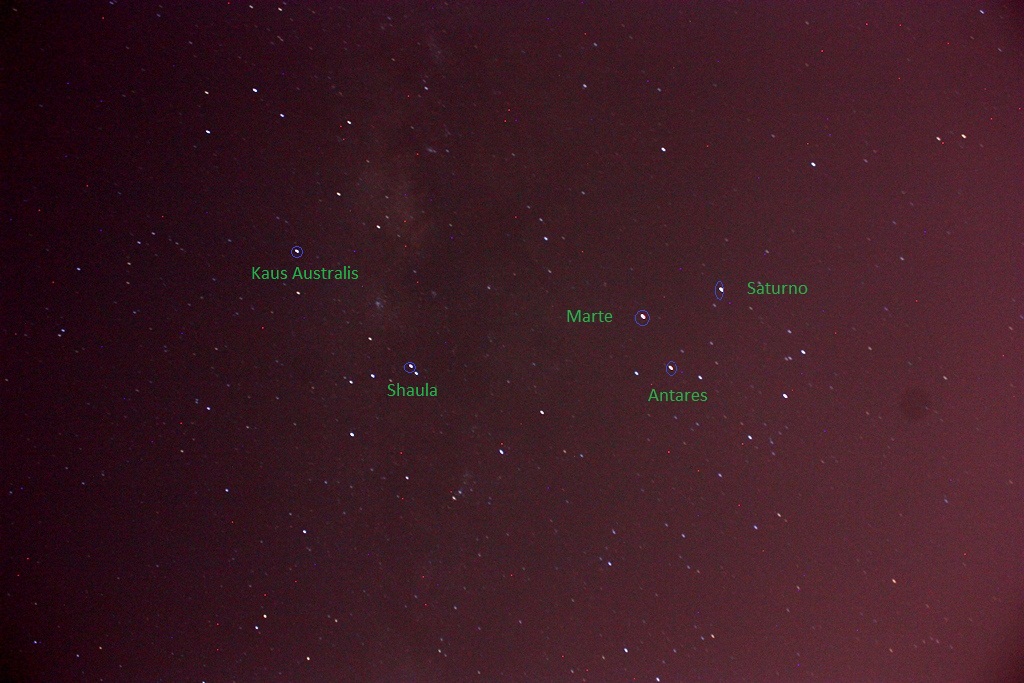
Marte-Antares.1.30.8.16.Paint.jpg

    • carolina y Star scanner reaccionaron a esto
    • Me gusta 2

    From the category:

    Albumes de Usuarios

    · 791 images

    Información de la foto 57ce0f8bb1115-Venus-Mercurio-Jpiter.7.30.8.16.Paint.jpg

    • Hecha con Canon Canon EOS DIGITAL REBEL XSi
    • Focal Length 50 mm
    • Exposure Time 13/10
    • Aperture f/1.8
    • velocida 100

    Account

    Navigation

    Buscar

    Buscar

    Configure browser push notifications

    Chrome (Android)
    1. Tap the lock icon next to the address bar.
    2. Tap Permissions → Notifications.
    3. Adjust your preference.
    Chrome (Desktop)
    1. Click the padlock icon in the address bar.
    2. Select Site settings.
    3. Find Notifications and adjust your preference.